
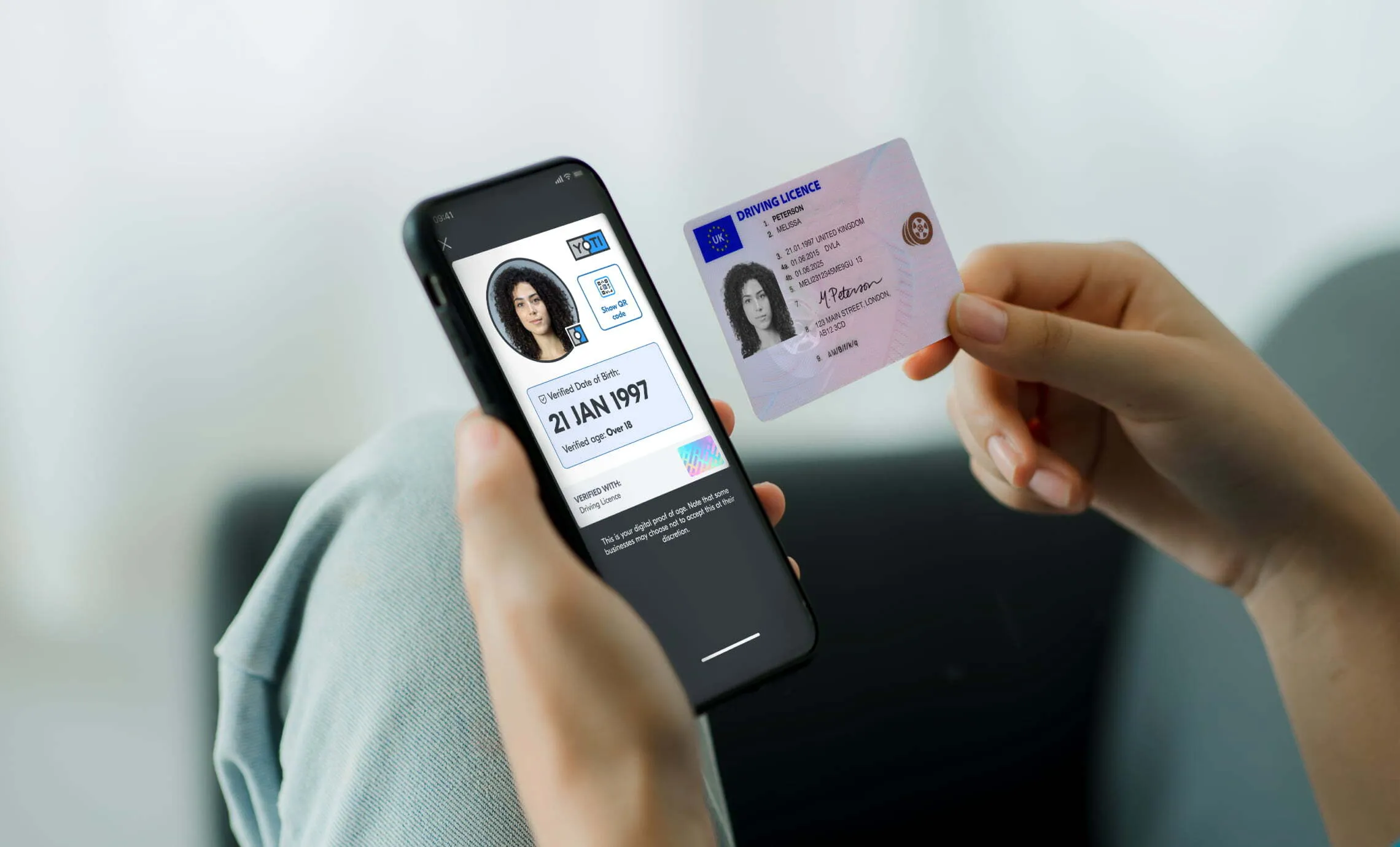
There can be hidden beauty in things taking on new forms. A caterpillar becoming a butterfly, water turning into wine, a physical ID transforming into a Digital ID.
If you’ve ever wondered how we do it, wonder no more.
As we continue to shape the future of digital identity, we’ll continue sharing our methods with you. After all, the Digital ID app is created for you, so it’s only right we let you in on the magic.
What is a Digital ID?
A Digital ID is your ID on your phone and your data in your hands. It gives you a safer and instant way to prove your age or identity from your phone, with no need to show identity documents or share an unnecessary amount of personal data.
Armed with your ID on your phone you can easily prove your age to buy age-restricted items (apart from alcohol, for now), watch age-restricted films at the cinema, and access age-gated content online. You can also use your Digital ID to prove your identity to collect parcels from the Post Office, and complete right to work, criminal record and right to rent checks.
You can even swap verified details with someone to give you peace of mind about who you’re connecting with. This could be when you’re buying or selling something online, or chatting to someone on a dating site.
What happens when you create your Digital ID?
Once you’ve downloaded the free Digital ID app (either Yoti ID or EasyID), you’ll need to add your mobile phone number and then add a 5-digit PIN to secure your account.
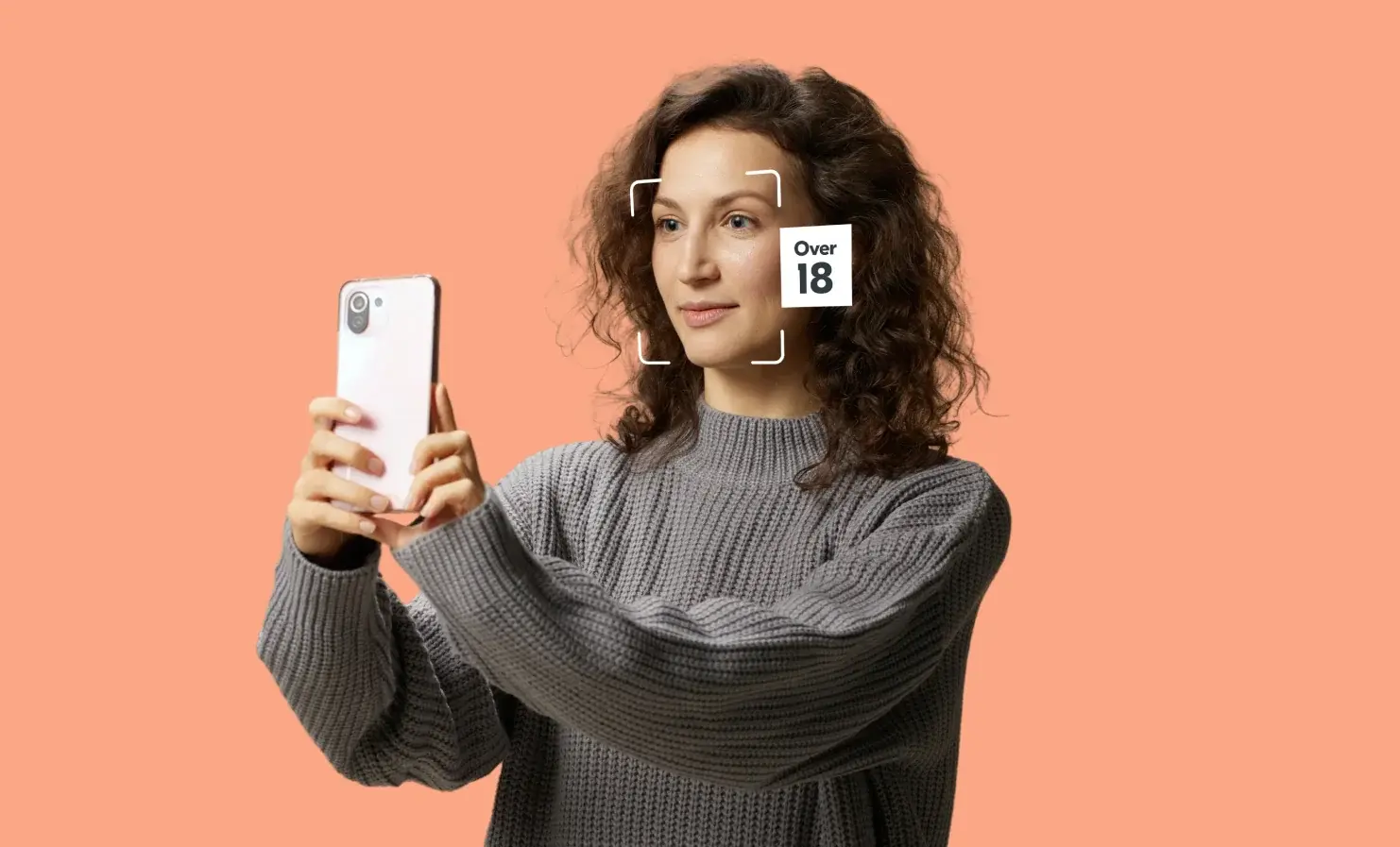
Next up, it’s time to take a selfie. Our anti-spoofing liveness technology (a bit of a mouthful, we know) uses the selfie to confirm you’re a real person. It stops the bad guys from using photos or videos of other people to create a fake Digital ID. This step also creates your biometric key which protects your account. This is a digital map of your face to make sure that you, and you alone, can access your details. This biometric key cannot be seen by anyone.
To complete certain actions, such as deleting your Digital ID or changing the PIN on your account, you’ll be asked to take a selfie. This is matched with your biometric key to ensure that no one is trying to impersonate you or access your account.
The next stage is to upload a valid identity document. Adding a document allows you to get the most out of a Digital ID because we verify details, such as your name and date of birth, against the document. This allows you to then use the app as proof of age and identity.
To be confident that only genuine users are creating a Digital ID, we complete a number of automated checks. These are designed specifically for different types of documents and include validating security features on your document, matching the face photo on it with the selfie previously captured, and screening against a variety of fraud information sources.
In addition to the automated checks, we also complete manual human checks to help with the trickier account creations. These include:
- Our highly skilled team of Super Recognisers confirm that the image on the document matches the selfie (if our automated check did not conclude this with high confidence)
- Visual document verification checks confirm the ID is genuine. This is done by checking details like the hologram, font and document layout.
We accept over 350 documents from around the world and continually work to ensure Digital ID is accessible to as many people as possible.
How does Yoti keep your data safe?
We’ve built our Digital ID app with privacy and security at its core. It has been carefully designed to put you in control and to protect your privacy and personal data at all times.
Each piece of data is encrypted, made unreadable and then stored in its own individual safe – which only you can access on your phone.
You literally hold the key – your own private one called an encryption key that gives you, and you alone, access to your information. Even if someone else got hold of your phone, your Digital ID is protected by a PIN that only you should know, and linked to your personal biometrics for added security.
Join us on our journey
If you have any other questions about Digital ID, please get in touch.
We’re ready to embrace a world where proving age and identity is easier, safer, and more trusted. We hope you join us on this journey.